MIRALTO
FRENFollow the Lab
Lab

AI, tested
for architects.

AI workflows that actually save time in architecture, explained step by step in video tutorials, with the prompts to copy.

  1. Coming up
  2. Ready to explore
Tool
Format

Custom viewers and small apps, in the browser, to see and share the Revit model’s data without opening Revit.

The method

  1. Choose what you want to see: areas, phases, quantities, progress…
  2. Export the Revit model’s data into a simple file
  3. Describe the app to Claude in plain language: it writes the HTML page
  4. Open it in the browser and share it with the team, nothing to install

#Revit · #BIM · #Visualization · #WebGet notified →

A well-known building, several AI tools, the same brief: we compare time, accuracy and what you can actually do with the model.

The method

  1. Set the same brief and the same time for each tool
  2. Model the building with each tool, from photos
  3. Compare time, accuracy, usability, learning curve and cost
  4. Give an honest verdict, in an online session

#Modelling · #Comparison · #3DGet notified →

Modelling an existing building without starting from scratch.

The method

  1. Prepare the photos and known dimensions
  2. Generate the massing and facades with Astra
  3. Check the levels and openings
  4. Export to Rhino or Revit

#Existing · #SurveyGet notified →

The engineer’s or manufacturer’s detail becomes a real Revit detail: components, filled regions with the project’s patterns, tags and dimensions.

The method

  1. Connect Claude to Revit through MCP
  2. Give it the detail as a PDF or a DWG
  3. Let the AI place components, filled regions, tags and dimensions
  4. Review and adjust

#Revit · #BIM · #MCPGet notified →

Every item of the specifications and the bill of quantities linked to the elements of the Revit model: quantities follow the project, and differences stand out.

The method

  1. Connect Claude to Revit through MCP
  2. Give it the specifications and the item coding
  3. Let the AI link each item to the elements and extract the quantities
  4. Review the differences it flags when the model changes

#Revit · #BIM · #SpecificationsGet notified →

The library

Articles
and notes.

  1. Article

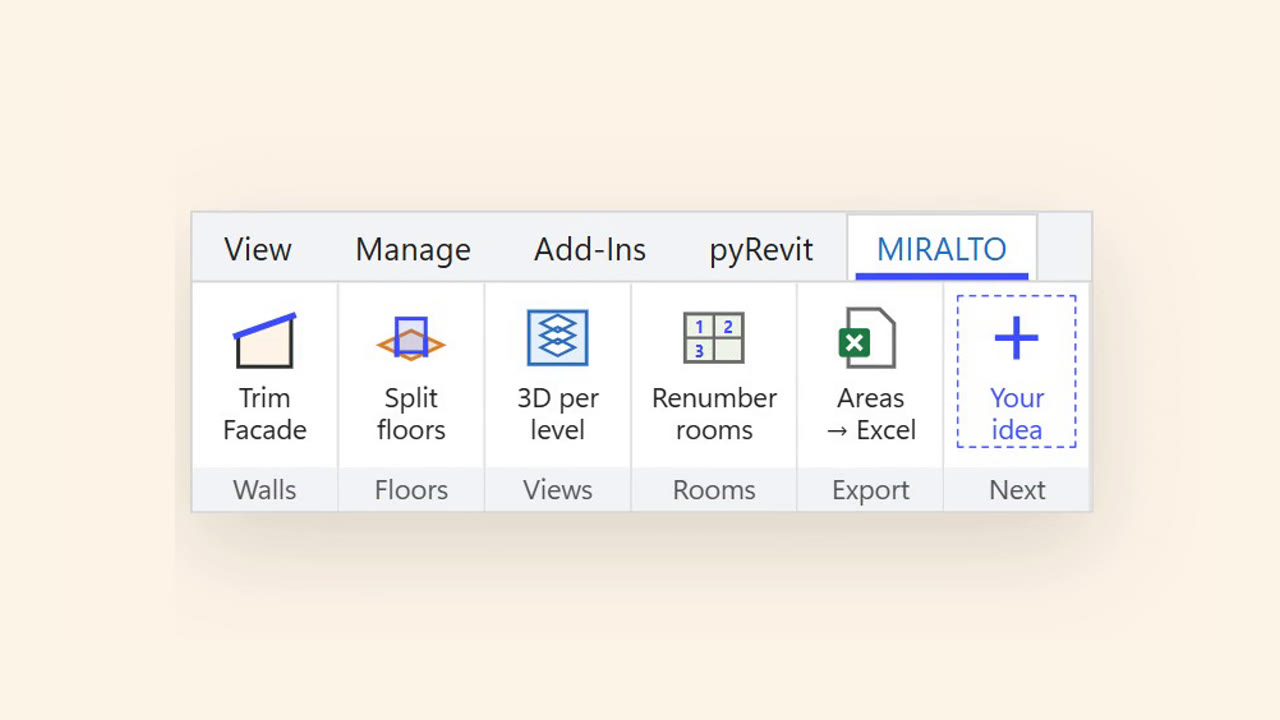
    Prompt or button: building your own tools in Revit and Rhino

    With AI, having your own tools in Revit or Rhino is no longer reserved for developers. When to ask Claude live, and when to turn it into a button.

    Read →
  2. Article

    The Lab opens

    Why MIRALTO is opening a lab for architects, and what you will find here.

    Read →

Followthe Lab.

Newly tested methods, the tools that matter and invitations to the online sessions, in one e-mail when there is something worth sharing. No spam, unsubscribe at any time.

contact@miralto.fr